
Billing
Cruxy Pro is $4.99 a month. Payments are handled by Stripe on the web, or by Google Play in the Android app.
Updated
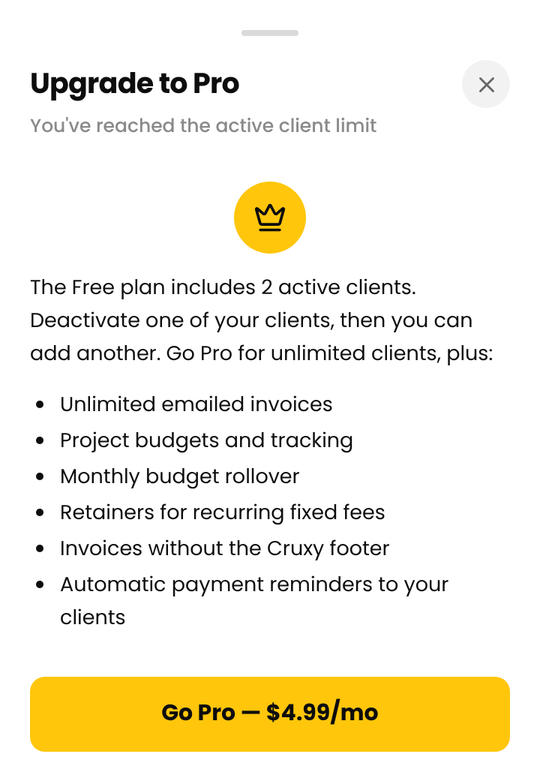
Upgrade to Pro
- Open Settings > Profile and tap Go Pro. You can also tap Go Pro when Cruxy offers it, for example when you reach a limit.
- Enter your payment details on the Stripe checkout page. (In the Android app, Google Play's purchase screen opens instead.)
- When you return to Cruxy, you're on Pro straight away.
Pro is billed monthly. There's no contract.
Receipts and invoices
Stripe handles your payments and billing history. You can see past payments, and download receipts, from the billing page behind Manage Subscription. If you need a receipt in a particular form, email support@cruxy.io.
If you subscribed through Google Play, your receipts and payment history are in Google Play (Payments & subscriptions in the Play Store app).
Manage your subscription or update your card
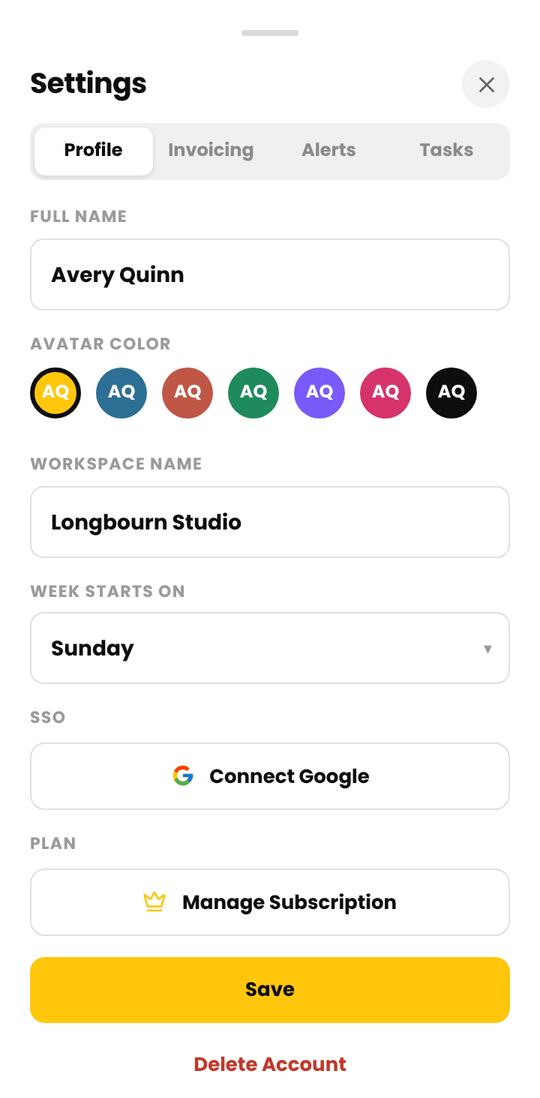
Open Settings > Profile and tap Manage Subscription. This opens Stripe's billing page, where you can update your card, see your payments, or cancel.
If you subscribed through Google Play, Settings shows Managed in Google Play instead. Manage your subscription and payment method in the Play Store app, under Profile > Payments & subscriptions, or on the Google Play subscriptions page.
Cancel Pro
Open Settings > Profile, tap Manage Subscription, and cancel there. (If you subscribed through Google Play, cancel in Google Play instead.) You can cancel at any time. In the last week of your plan Cruxy shows a banner with the date it ends and a Keep Pro button if you change your mind. After that your workspace moves to Free. See If Pro ends.
Refunds
Fees are non-refundable except as required by law. If you were charged by mistake, email support@cruxy.io and we'll look into it.
If you subscribed through Google Play in the Android app, Google Play handles the refund under its refund policy.
Deleting your account cancels a Stripe subscription straight away and doesn't refund the current period. A Google Play subscription is not cancelled by deleting your account, so cancel it in Google Play first.